Wireless Bridge
NOVALINK supports an onboard Wireless Bridge out of the box. By default, this is an ESP32-C3 configured for UDP mode.
Enable
To use, please configure the Transmitter module as follows (Ignore Power setting):
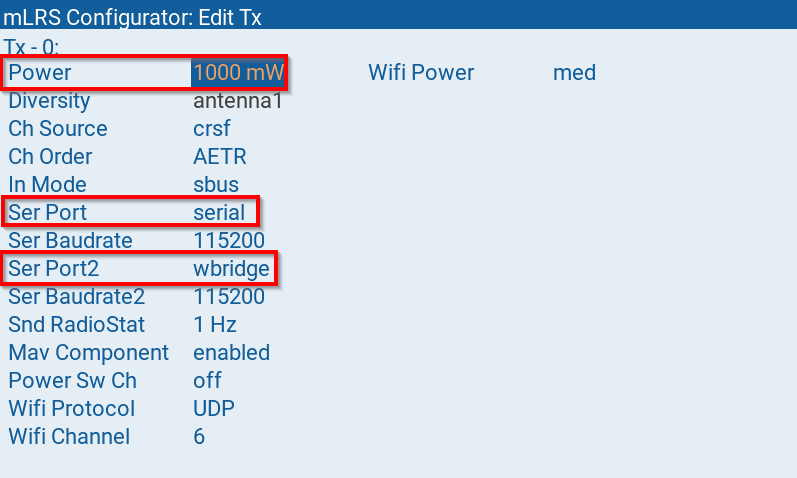
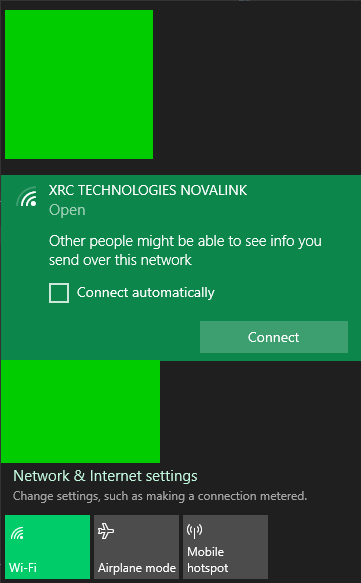
Upon power on, the transmitter module will create a WiFi hotspot with either the SSID XRC TECHNOLOGIES NOVALINK or something similar to mLRS-4983 AP UDP
Connect to this WiFi network. By default there is no password:
In Mission Planner, change connection settings to:
UDP
115200 Baud Rate
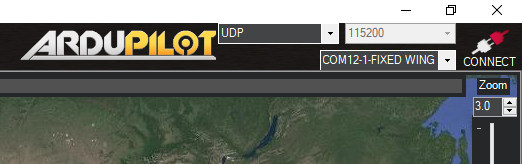
Press Connect
When it asks for Local port, enter 14550 then click OK
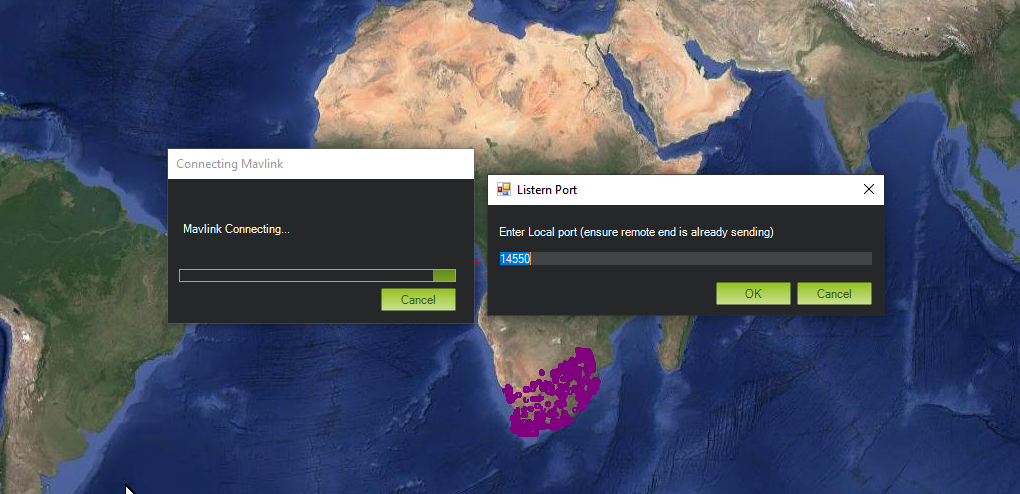
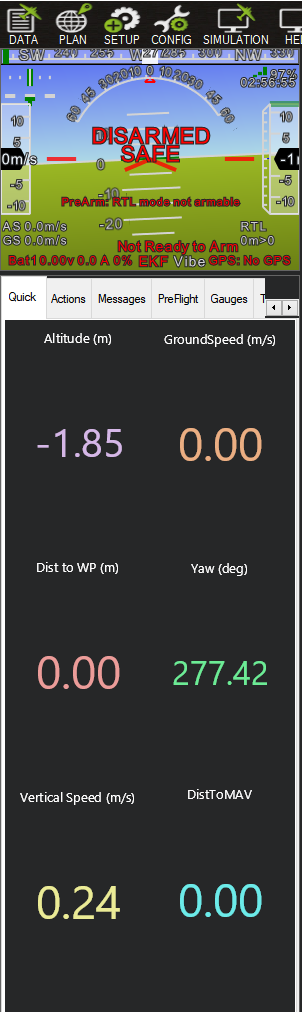
Params should now start loading via Mavlink. To test, try rotating the flight controller to see attitude change in HUD:
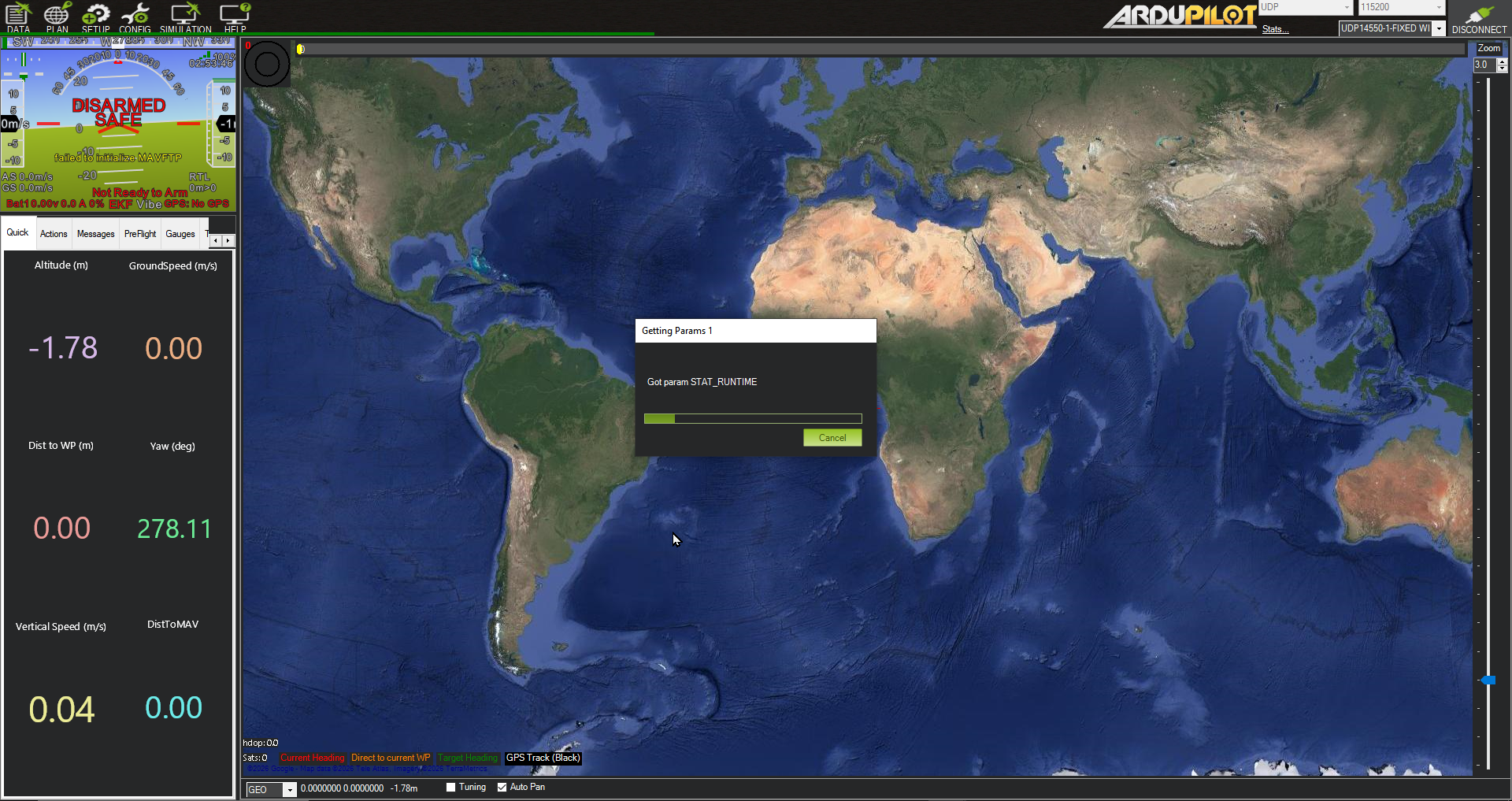
At 433MHz, the params will load slower than on a higher frequency. However, it should only take a minute or two before all params have loaded.
For more details, please visit the mLRS Official Documentation.