Yaapu Telemetry Script
The Yaapu Telemetry Script is a powerful tool to allow live aircraft telemetry statistics to be displayed as a page on a radio transmitter.
This guide is meant as a quick-start to using the Yaapu Telemetry Widge with the NOVALINK mLRS Radio System. It is not an exhaustive guide, and more details specific to mLRS may be found HERE.
There are a few assumptions in this guide:
NOVALINK mLRS system has been bound and connected.
Ardupilot flight controller with CRSF and Mavlink working.
Radio controller compatible with Yaapu Telemetry Script. Check radio compatability HERE.
Installation
Download and install the widget HERE.
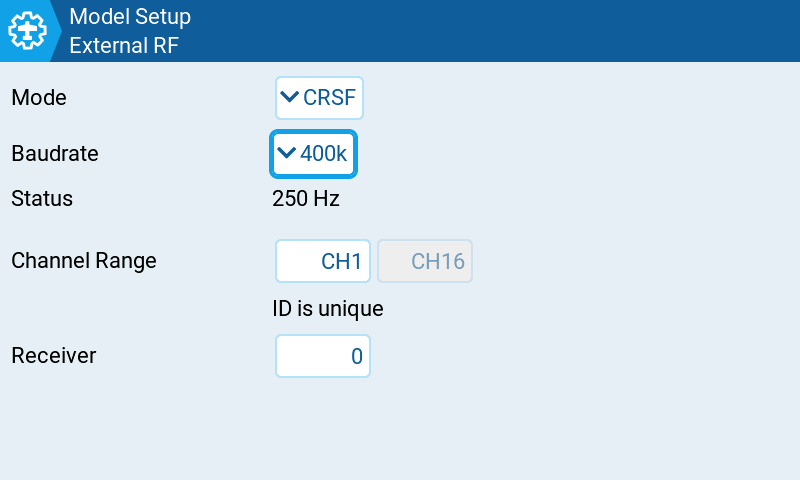
Under Model -> External RF, check that protocol is set to CRSF and baud to 400k.
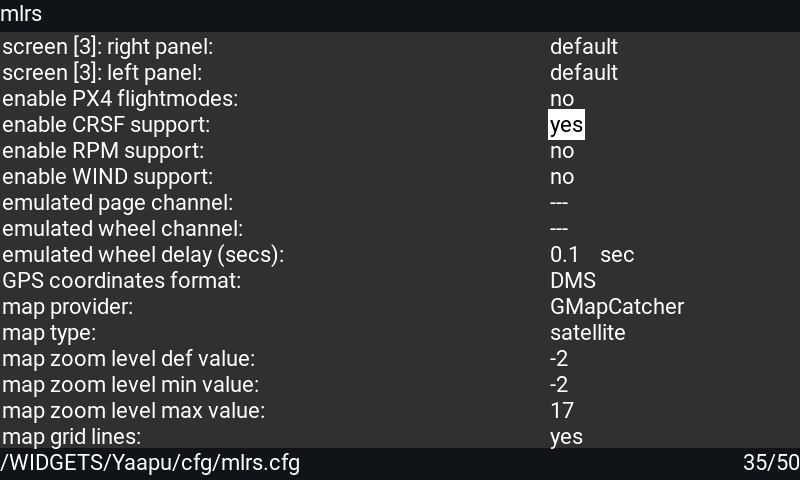
Open the Yaapu Telemetry Configurator and select enable CRSF Support = yes
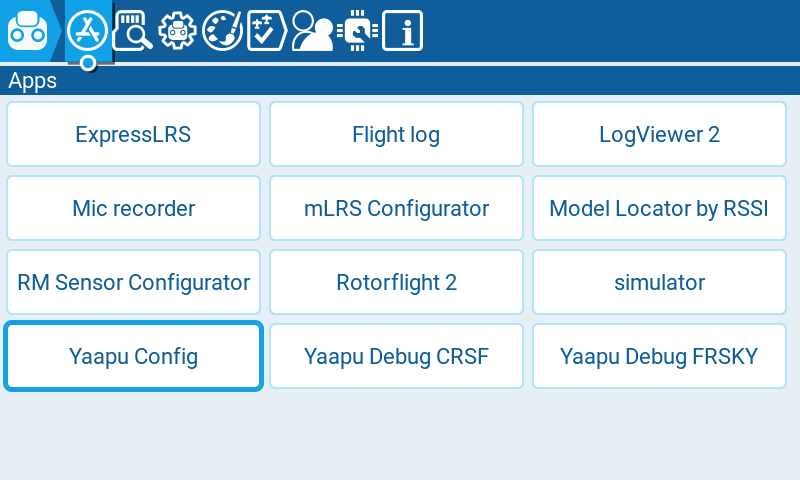
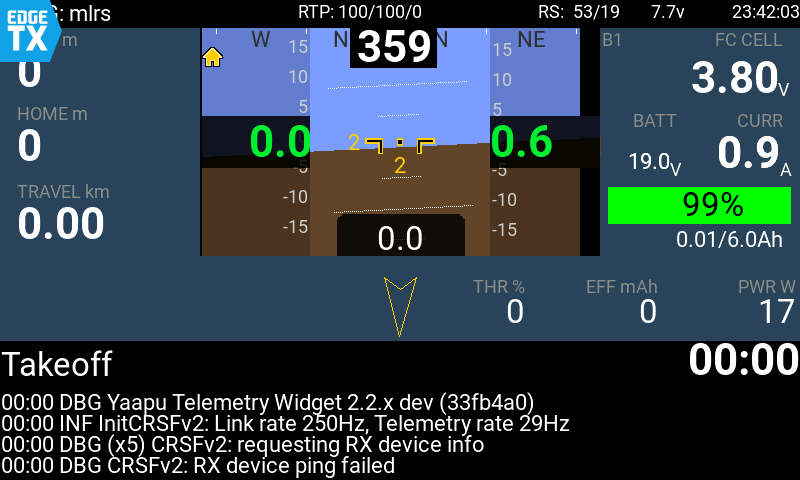
Yaapu Telemetry Widget should now be working. Please ensure that the widge view has been added as a view in EdgeTX.
For more details, please visit the mLRS Official Documentation.